Send every franchise invoice with a card payment link.
Granite turns calculated charges into franchise invoices and emails a payment request. Franchisees pay by card on Stripe-hosted checkout, straight into your own Stripe account, and every invoice shows whether it is awaiting payment, overdue, payment in progress, paid or voided.
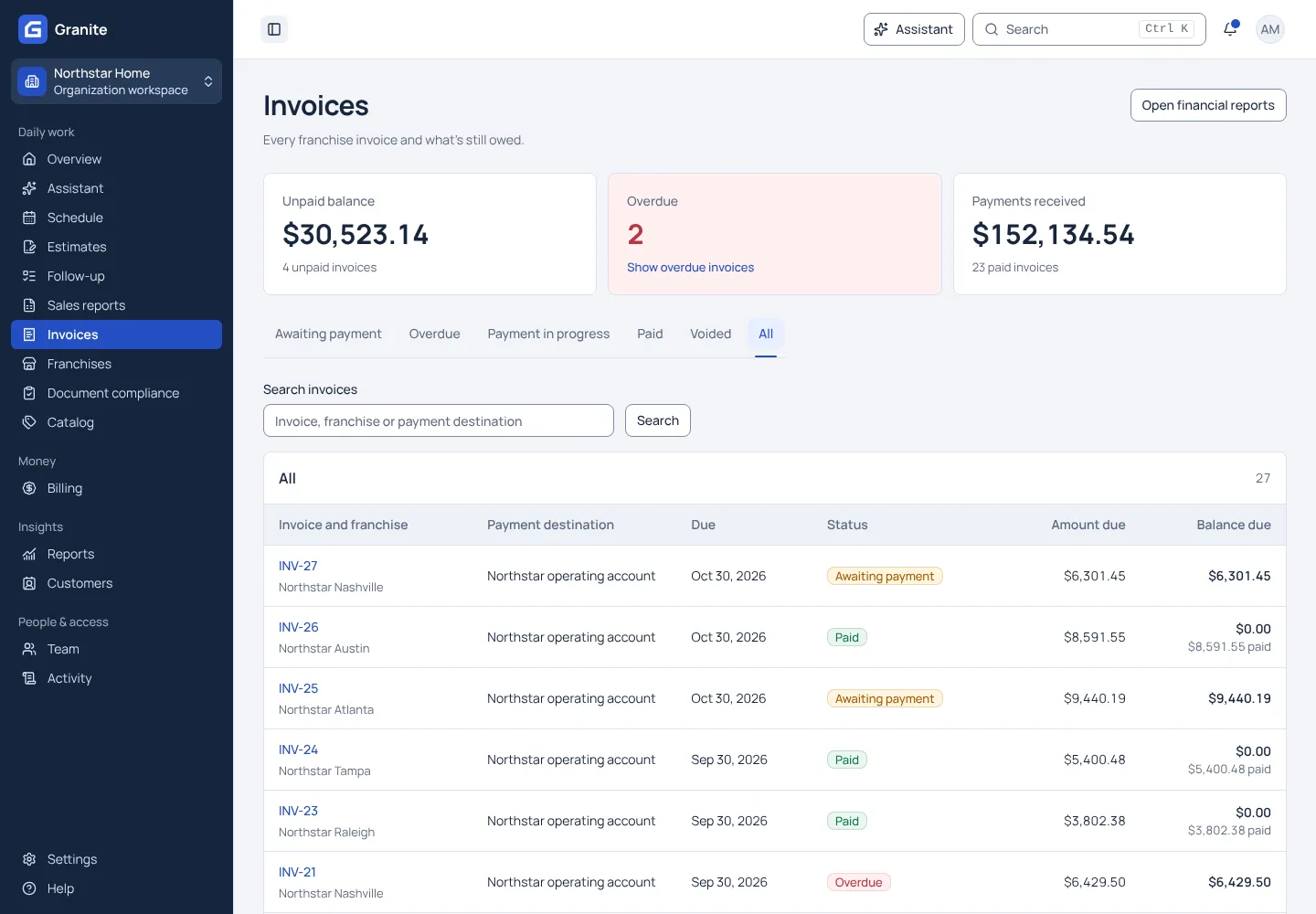
What you get with invoices and payments
- Late fees and monthly interest added automatically under the late-payment policy you set.
- Credits and adjustments are recorded as their own lines; the original charge is never rewritten.
- QuickBooks Desktop and Enterprise sync is included at no add-on fee.
See your own reporting and royalty cycle in Granite.
Bring a recent sales report and your royalty terms. We will walk through the calculation, the invoice and the payment with you.