Royalties calculated exactly the way your franchise agreements are written.
Set up each fee once. A royalty can combine a fixed fee, a flat or tiered percentage and a minimum, and its rates can change as a franchise matures. One-time fees, credits, franchise loans and late fees sit beside it. Every rule has effective dates and applies to the franchises you choose, and you preview each franchise’s charges against its real sales report before anything is invoiced.
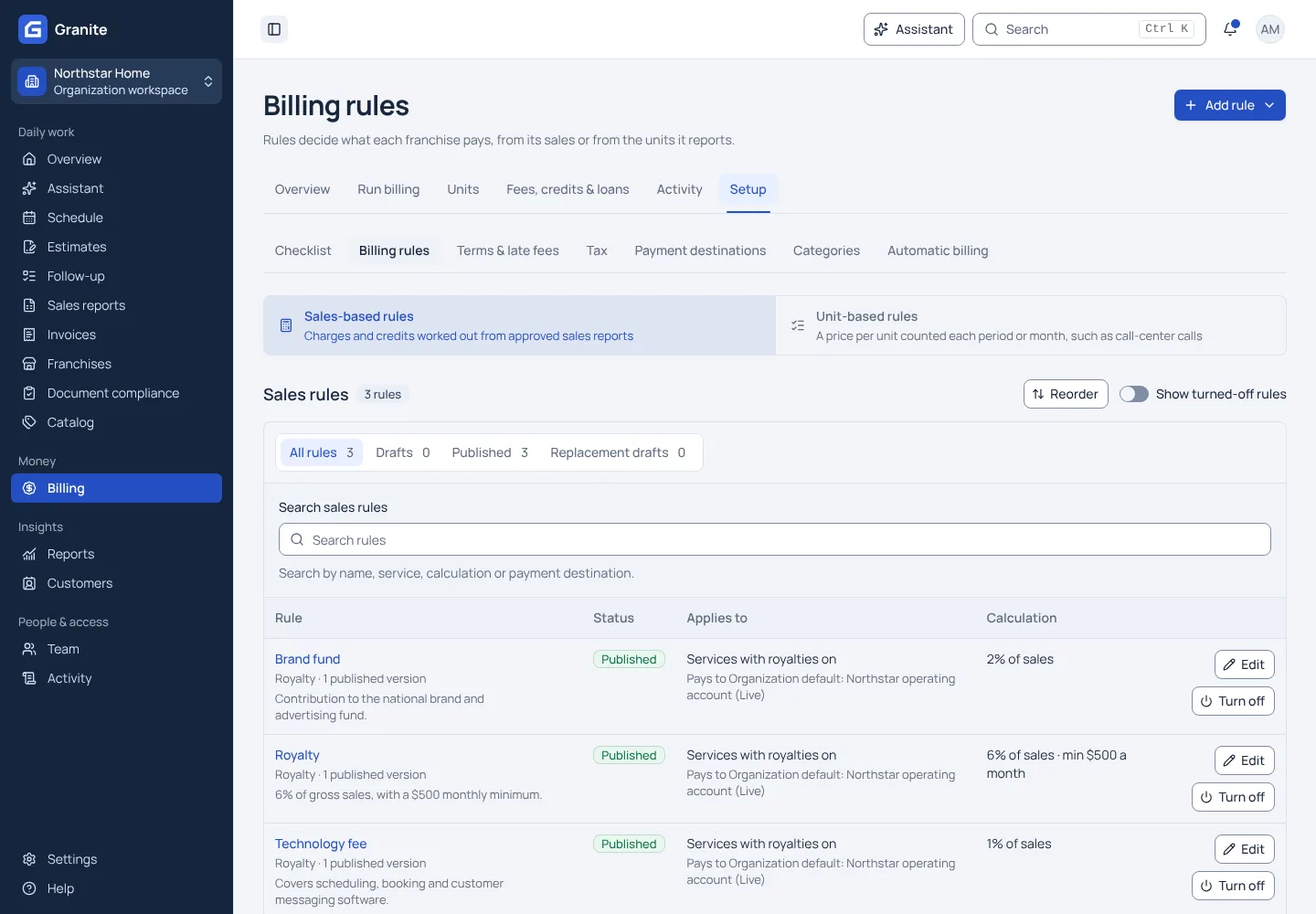
What you get with royalty billing
- Graduated tiers measured on each reporting period, a rolling window of recent periods, or the calendar or agreement year to date.
- Rates, fixed fees and minimums that change with tenure, counted in reporting periods, or in months or years since the agreement date.
- A franchise can keep its own rate or amount while the rest of the network uses the default.
See your own reporting and royalty cycle in Granite.
Bring a recent sales report and your royalty terms. We will walk through the calculation, the invoice and the payment with you.