Every franchise sales report in, checked, and ready to bill.
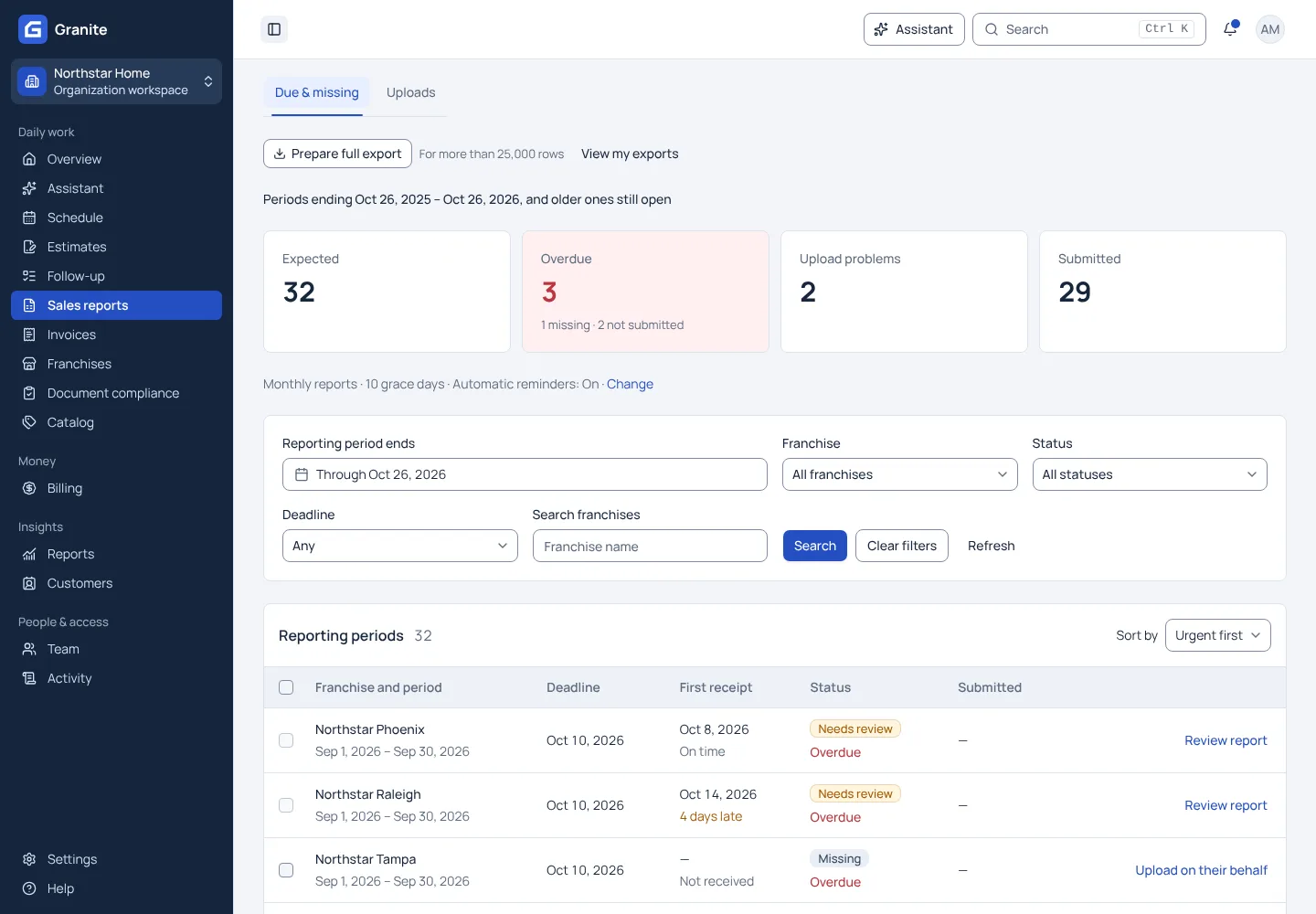
Each franchise sees the reporting period that is due and uploads its Excel or CSV sales report from the franchise workspace. Granite emails a reminder before the due date and again when a report is missing, flags warnings before the numbers reach billing, and shows your team every missing, late and needs-review report in one place.
What you get with sales reporting
- Weekly or monthly reporting periods for each franchise, with the due date tied to the period end date.
- Reminder emails when a report is due soon and repeat reminders while it is missing.
- A network view of missing, late and needs-review reports, each one click from the franchise that owns it.
See your own reporting and royalty cycle in Granite.
Bring a recent sales report and your royalty terms. We will walk through the calculation, the invoice and the payment with you.