Bill per call, lead, seat or account without a spreadsheet of counts.
Charge a unit price for anything you count, such as answered calls, qualified leads, email accounts or software seats. Keep a saved quantity for steady charges, or collect a new count each period from the people who own it. Submitted counts go onto the next invoice.
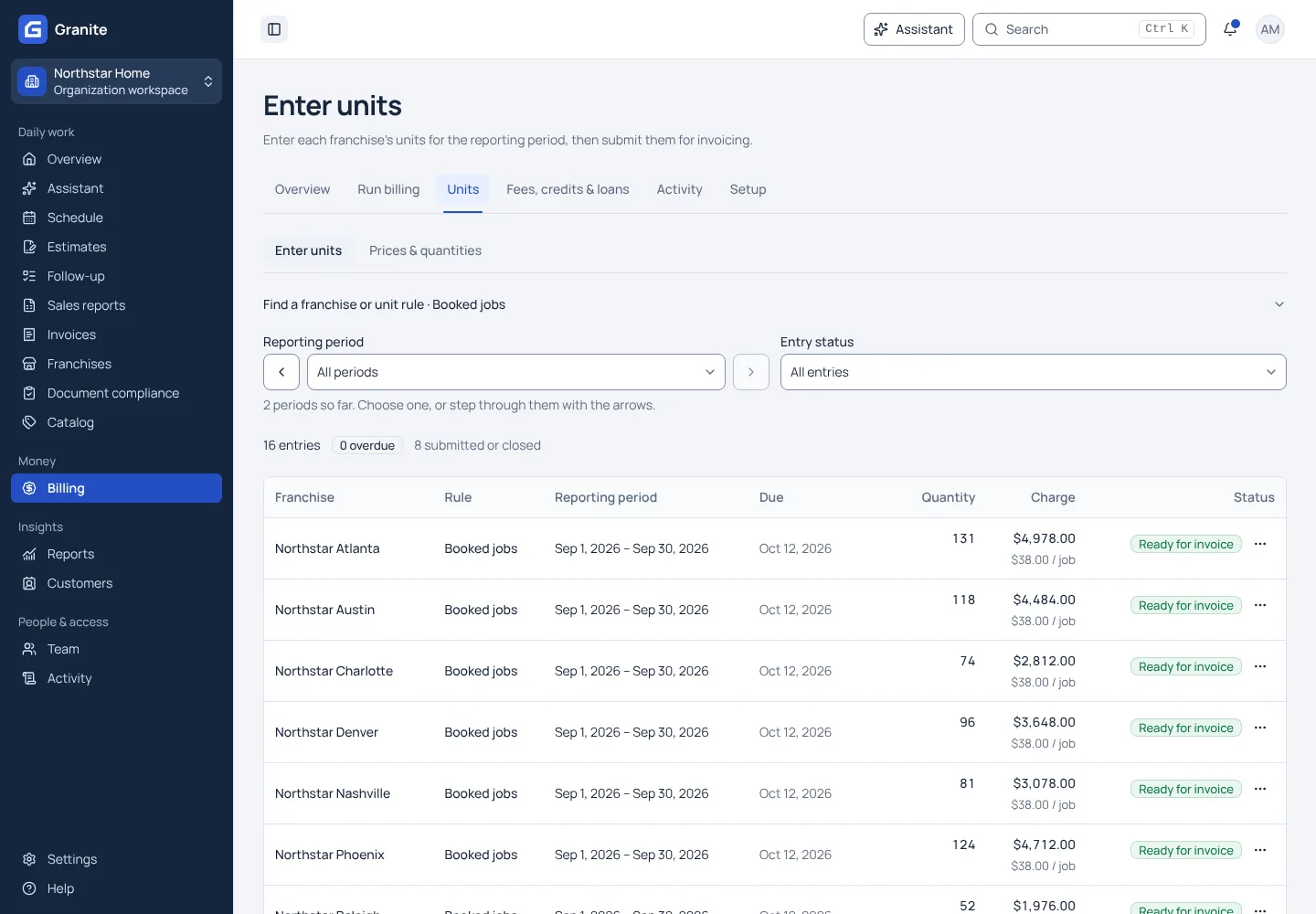
What you get with unit-based billing
- An organization price with a franchise-level price where an agreement differs.
- Daily, weekly or monthly cycles that run independently of the sales reporting schedule.
- Reminder emails until every count is in. A blank count stays open; a zero closes it with no charge.
See your own reporting and royalty cycle in Granite.
Bring a recent sales report and your royalty terms. We will walk through the calculation, the invoice and the payment with you.