Check each franchise’s year-end sales file against every weekly report.
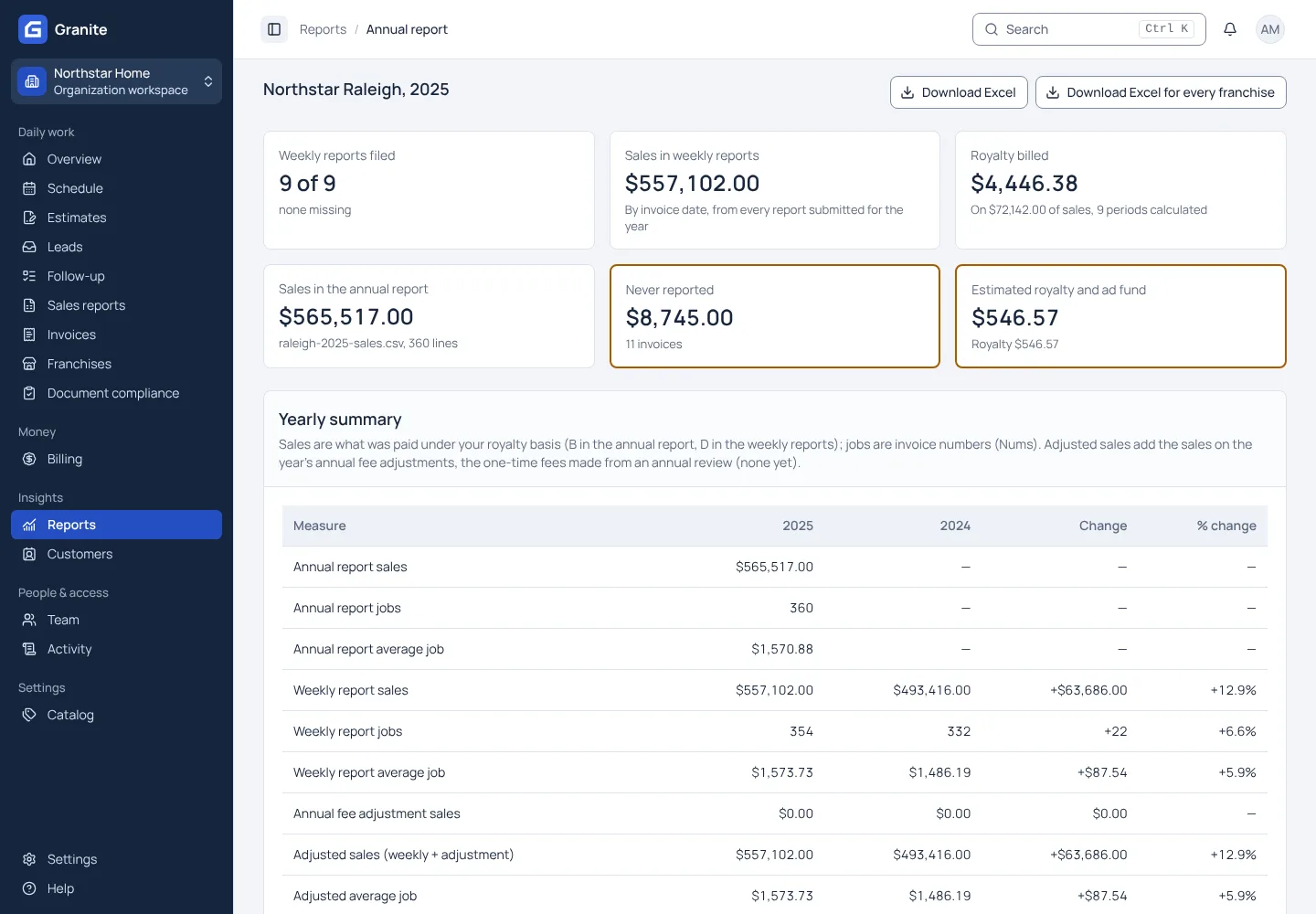
At year end each franchise uploads its annual sales file. Granite compares it, invoice by invoice, with the reports the franchise sent during the year, sorts the differences into sections such as never reported, paid in the prior year and split invoices, and estimates the royalty and fees each missed sale would have owed under the rules in force at the time. Your team reviews each case, downloads an Excel workbook for one franchise or the whole network, and adds an annual fee adjustment where one is owed. Granite never bills a difference on its own.
What you get with annual sales review
- Estimates use the royalty tier the franchise had reached at the time of each missed sale.
- The first report of a new year waits until the franchise’s annual file for the year before is in.
- A yearly summary compares sales and jobs with the year before, with any adjustment included.
See your own reporting and royalty cycle in Granite.
Bring a recent sales report and your royalty terms. We will walk through the calculation, the invoice and the payment with you.