Know which franchise documents are missing or expiring before they lapse.
List the documents each franchise must keep current, such as insurance certificates and licenses, with a due date and renewal cycle. Granite reminds the franchise before the deadline, emails the people you choose after it, and can hold sales report uploads until a required document is on file.
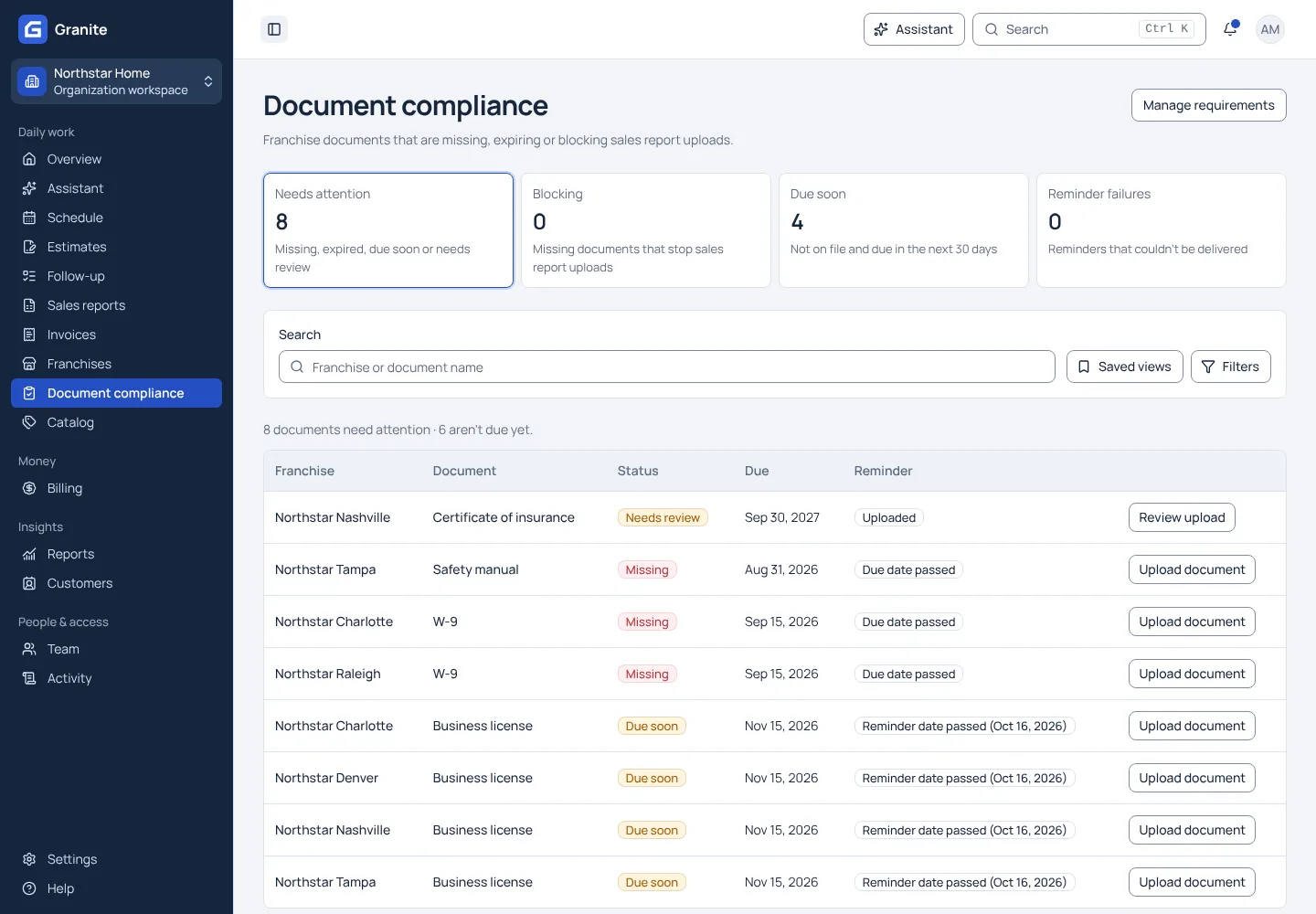
What you get with document compliance
- One queue of missing, expired, due-soon and needs-review documents across the network.
- Your team approves or denies each upload, and a denied document does not count as coverage.
- Renewals every one to ten years from the date you set, or a single deadline.
See your own reporting and royalty cycle in Granite.
Bring a recent sales report and your royalty terms. We will walk through the calculation, the invoice and the payment with you.