Give every person their own sign-in and only the access their job needs.
Invite corporate staff and franchise teams by email. Defined roles, from corporate admin to franchise employee, decide what each person can view and change. Regions group your franchises, and a district manager sees the franchises in their regions without billing or settings. An activity history records who changed important records and when.
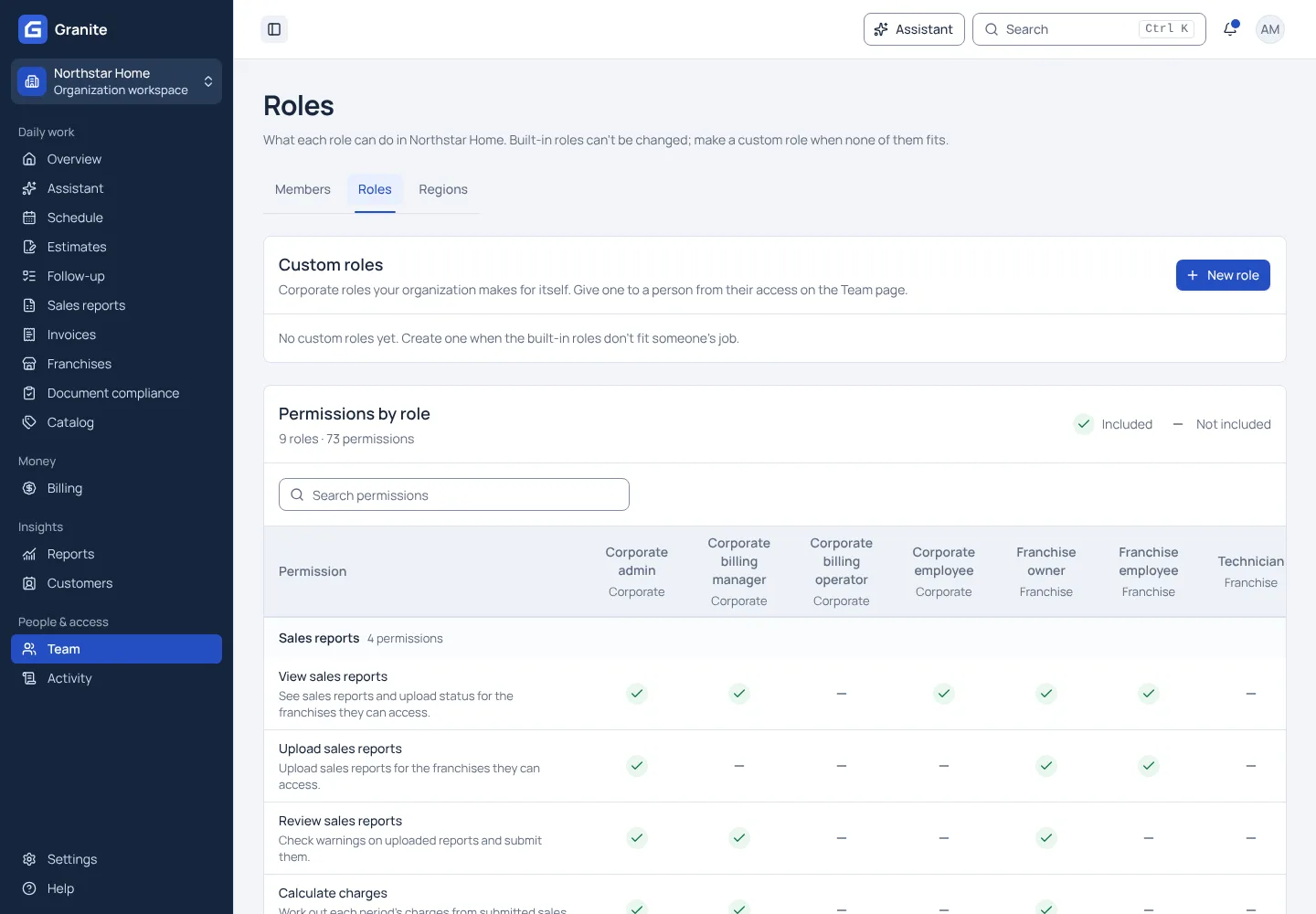
What you get with team access & activity
- Each person signs in with their own account; nobody shares a login.
- A read-only role matrix shows exactly what each role can do.
- An activity history shows who changed billing, access and franchise records, and when.
See your own reporting and royalty cycle in Granite.
Bring a recent sales report and your royalty terms. We will walk through the calculation, the invoice and the payment with you.